Have you ever seriously thought about how the iPhone screen you swipe, tap, and watch every day actually works? Unless you're a tech nerd, or you've been that person who kept using a phone with a badly cracked screen for way too long (guilty as charged), you probably don't give it much thought. After all, it looks nice — what more do you need to know? But the truth is, you don't have to be a geek to understand the basics of screens. And if you don't know what type of screen you're using, you might miss out on some really useful features — or even waste money when buying a used iPhone or getting a repair.
1. What is an LCD?
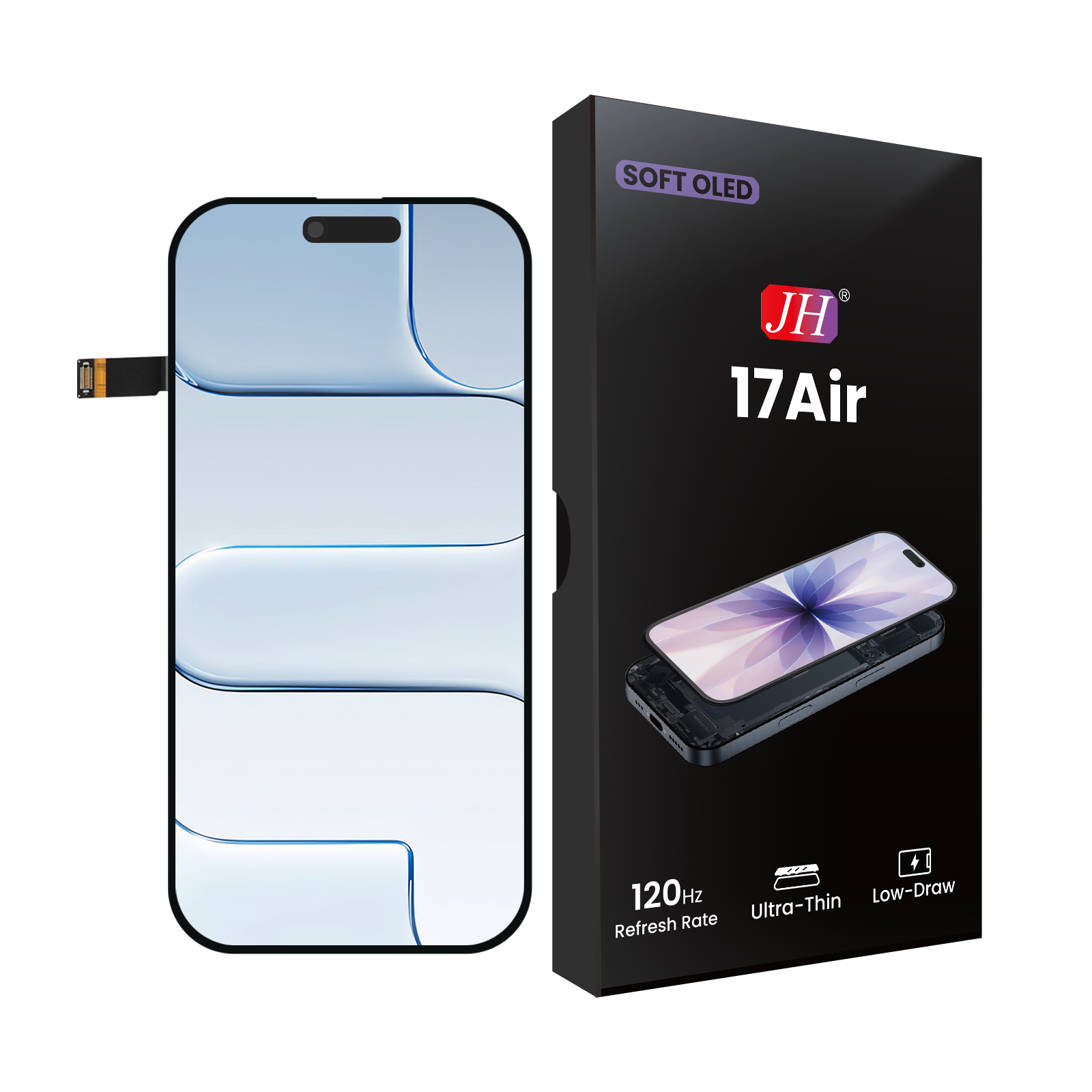
Let's start with the basics. There are basically two kinds of iPhone displays. The first is LCD, which stands for Liquid-Crystal Display. To keep things simple (and this is a big simplification), let's look at the two key components that make an LCD work: pixels and the backlight.
Pixels and Subpixels
An LCD screen is made up of millions of tiny "little squares" called pixels. Inside each pixel are three even smaller "subpixels" — one red, one green, and one blue. By independently controlling how bright each subpixel glows, these three primary colors can mix to produce just about every color you can see: from deep sapphire blue to warm sunset orange to the soft pink tones of skin.
When you scroll through social media, watch videos, or browse your photos, your screen is adjusting the brightness of those subpixels thousands of times per second to create smooth, colorful, moving images.
The Backlight: The Lamp That's Always On Behind the Screen
The most important feature of an LCD is that it does not produce its own light. So behind the pixel layer, there has to be a backlight panel. Think of it this way: the pixel layer is like a transparent color film — the image is printed on it, but without a light shining from behind, you see nothing. The backlight is that "big light bulb" that stays on.
This backlight panel emits uniform white light, which passes through the pixel layer and color filters, finally reaching your eyes. When you drag the brightness slider on your iPhone, you're essentially controlling how bright that backlight is.
Here's a simple analogy: the backlight is like an old‑fashioned incandescent bulb — you can't make the left side brighter and the right side dimmer. It's either all on or all off. This is an unavoidable limitation of LCDs: they struggle to show true black. Even when the screen is displaying a pure black area, the backlight is still shining brightly behind it, and the pixel layer can only try to block the light. But like even the thickest curtains let a little daylight through, the black on an LCD always looks slightly grayish or washed out — especially in a dark room.
2. What is an OLED Display?
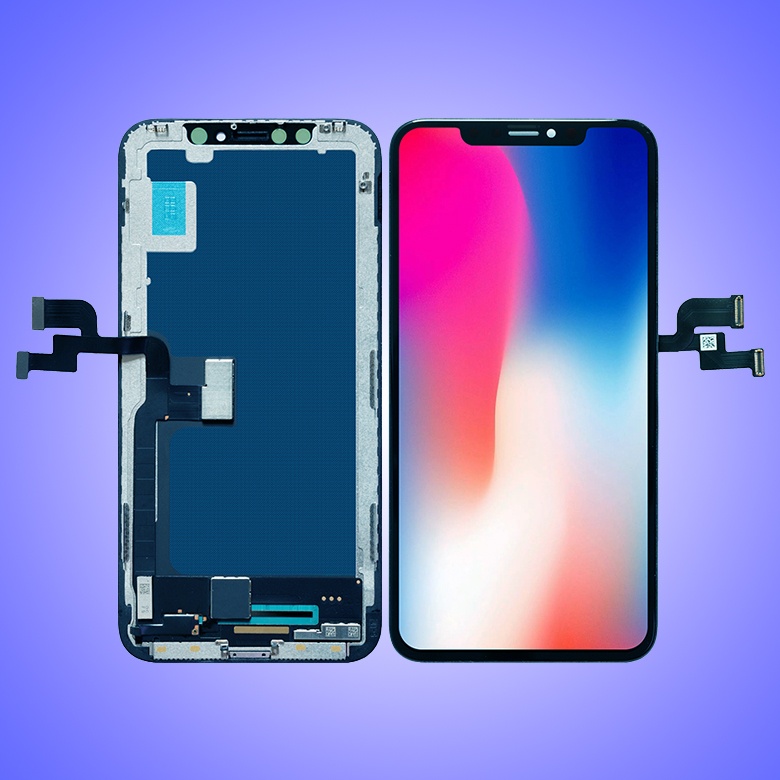
The second type of iPhone display is called OLED, short for Organic Light‑Emitting Diode. The fundamental difference from LCD is simple: there is no backlight. In an OLED screen, each pixel is itself a tiny, independently controllable light bulb.
Self‑Emitting Pixels: Black Is Literally "Off"
Because each pixel generates its own light, you no longer need a backlight that forces all pixels to stay on together. When an OLED screen needs to display black, it does something beautifully simple and brutally effective — it turns those pixels completely off. Off means zero light, and zero light is pure, untainted black.
Imagine a night sky. On an LCD, the sky looks dark gray, and in a pitch‑black room you can still see the whole screen faintly glowing. On an OLED, the stars are bright points, and the surrounding sky is completely extinguished — as if that part of the screen doesn't exist. This gives OLED a theoretically infinite contrast ratio, because the ratio between the brightest white and the darkest black can be infinitely large.
That's why when you put an LCD iPhone and an OLED iPhone side by side playing the same dark movie, the black areas on the OLED look stunning — you might even think the phone has turned itself off.
A Simple Test: The Black Rectangle
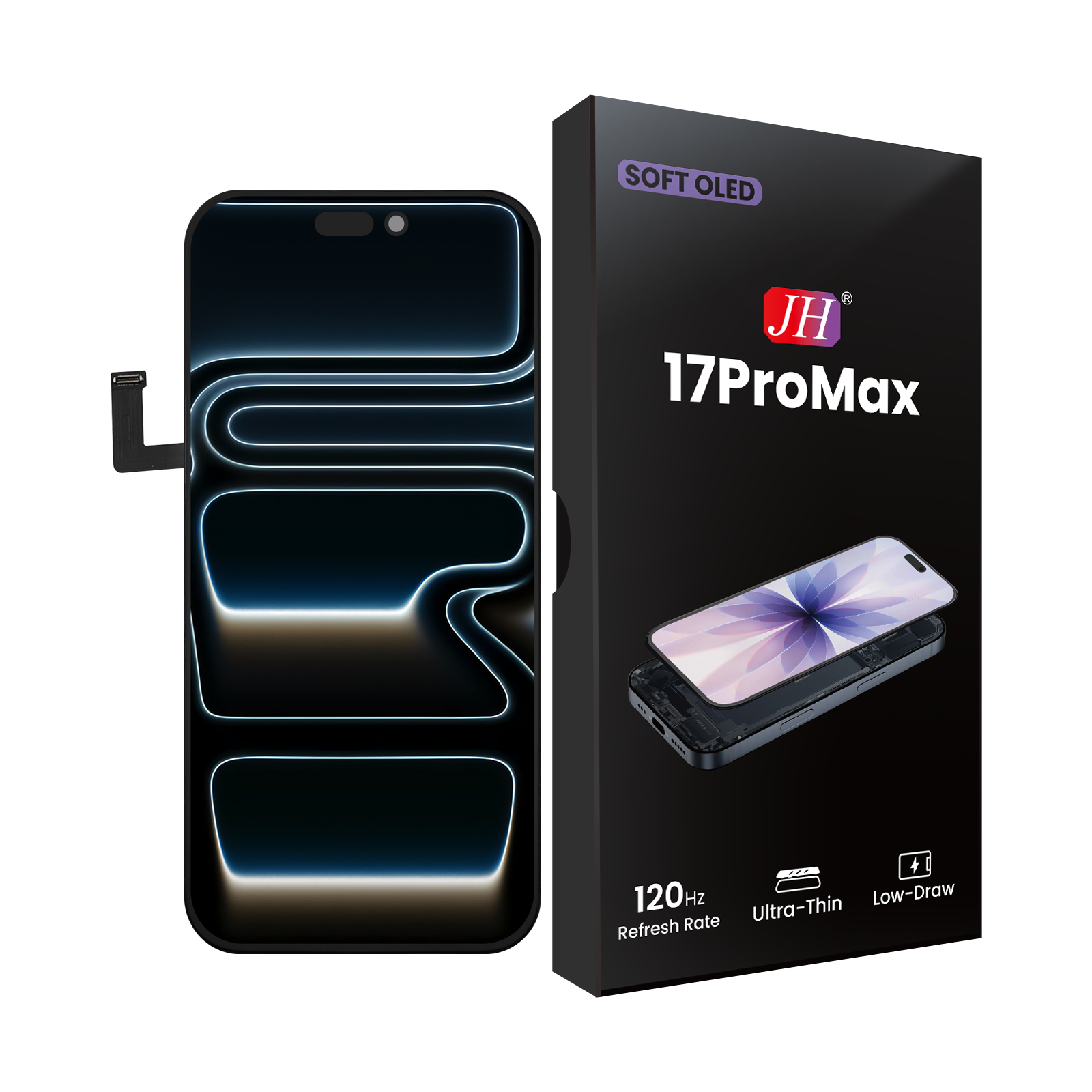
For a more hands‑on demonstration, try this: on an LCD iPhone (like an iPhone 11) and an OLED iPhone (like an iPhone 12 or 13), display a full‑screen pure black image. The OLED phone will look like it's powered down — beautifully, completely black. The LCD phone, while also showing black, will still have an obvious glow — the backlight bleeding through, making the black look slightly gray.
In a brightly lit room, this difference might not jump out at you. But once you get used to OLED's pure black, going back to an LCD can feel like its black is never quite "pure" enough.
3. Real Benefits of OLED on an iPhone
3.1 Dramatically Better Picture Quality and Contrast
Because each pixel controls its own light, OLED can achieve extremely high contrast ratios. Apple's official specs for OLED iPhones are usually 2,000,000:1 or higher, while LCD iPhones typically range from 1400:1 to 2000:1. That means when you're watching HDR video, playing high‑quality games, or browsing professional photography, OLED reveals much richer shadow detail and more vibrant colors. For example, in a dark show like Game of Thrones or a dark movie like The Dark Knight, OLED lets you see the texture of armor in the shadows without the whole scene looking like a gray mess.
3.2 Better Battery Life — The True Value of Dark Mode
Because OLED pixels turn off completely when displaying black, and off means zero power consumption, switching your iPhone to Dark Mode (with pure‑black backgrounds) actually saves battery. In contrast, an LCD's backlight stays on no matter what's on the screen, so power draw is more or less constant.
Apple introduced system‑wide Dark Mode with iOS 13. If you're using an OLED iPhone (iPhone X, XS, 11 Pro, all 12, 13, 14, 15 series, etc.), Dark Mode can not only be easier on your eyes (depending on the person) but also noticeably extend battery life. Third‑party tests have shown that on an OLED display, using a pure‑black Dark Mode can save about 30–50% of screen power compared to Light Mode. One caveat: if your Dark Mode uses dark gray instead of pure black (#000000), the OLED pixels aren't fully off, so the power saving is much smaller.
3.3 Thinner Design and More Flexible Form Factors
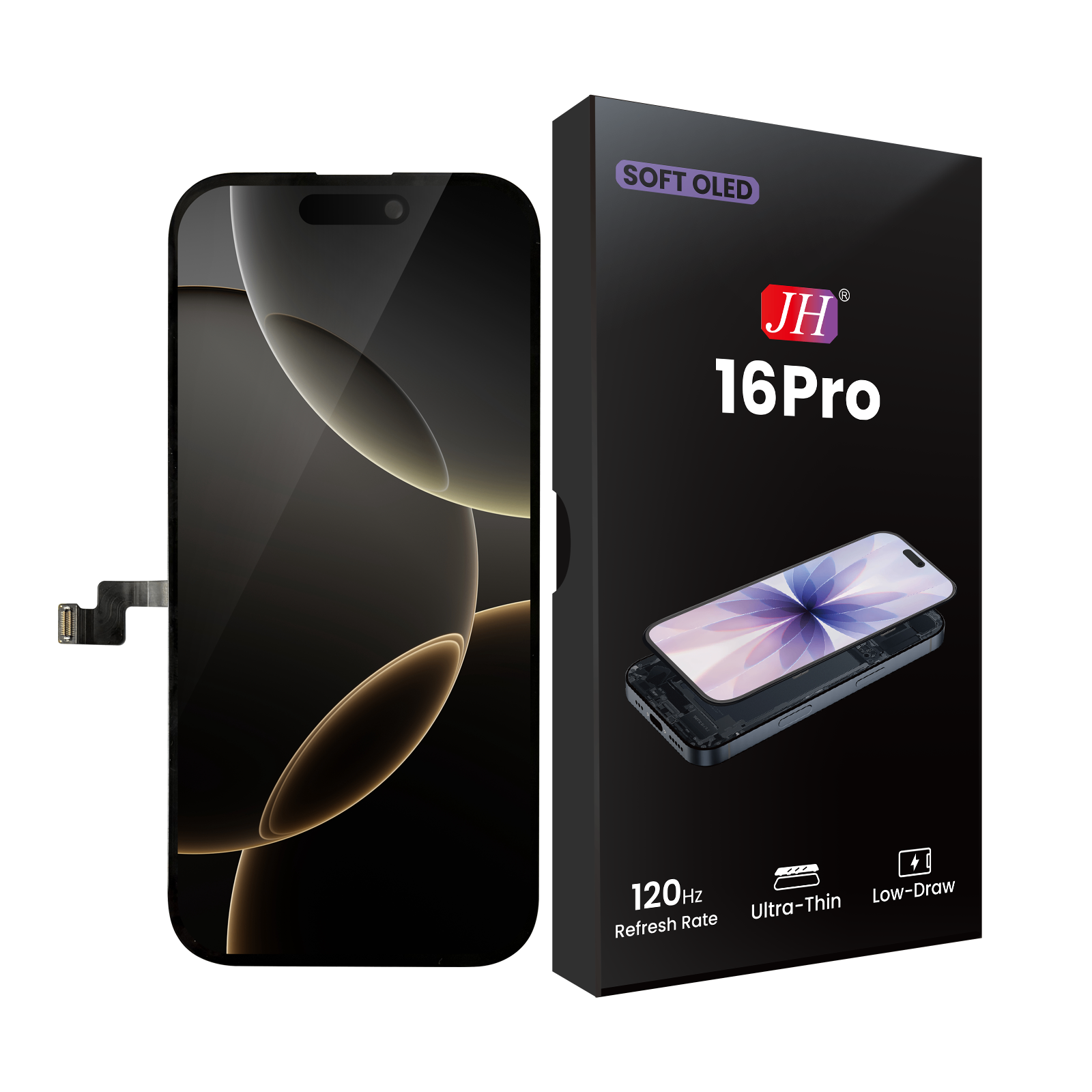
With no backlight layer, OLED panels can be made extremely thin. That gives phone makers more internal space for larger batteries, better camera modules, or simply slimmer bodies. And OLED is flexible — it can bend. This is exactly why, starting with the iPhone X, Apple was able to achieve that "all‑screen" design: the display could be bent under the bottom bezel, shrinking it to an absolute minimum. Without OLED's flexibility, the "four‑sided uniform bezel" look we take for granted today might have taken years longer to arrive.
4. Drawbacks and Concerns of OLED
Burn‑In — An Old Problem That's Been Largely Improved
The most famous potential issue with OLED is burn‑in. Burn‑in happens when a static image is displayed for a very long time — those pixels age unevenly, so even after the image changes, a faint "ghost" of the original static image remains visible. For example, someone who watches news channels for hours every day might permanently see a faint outline of the bottom ticker and the channel logo on their TV. In the early days of OLED (roughly 2013–2016), burn‑in was a common complaint on OLED TVs and some Android phones.
Apple's Solutions
However, since the first OLED iPhone (the iPhone X) launched in 2017, widespread burn‑in complaints have been rare. Apple uses a combination of hardware and software to reduce the risk:
Pixel‑aging compensation algorithms: Each OLED pixel's brightness degrades over time. Apple's display driver chip dynamically adjusts the voltage for each pixel, so older and newer pixels look visually consistent.
Preventing long‑duration static images: iOS avoids leaving static images on screen for too long — for example, by automatically dimming the lock screen or turning off the display sooner when inactive.
Subtle shifting of status bar icons: Icons like the battery indicator and signal dots, which seem stationary, are actually moved by a few pixels almost imperceptibly over time. This prevents the same group of pixels from being lit continuously for days.
According to long‑term tracking by repair and review sites, even the iPhone X from 2017 shows a very low rate of noticeable burn‑in as of today (2026). So the average consumer absolutely does not need to avoid OLED iPhones out of fear of burn‑in.
5. Does LCD Still Have Advantages? Absolutely.
Even though OLED wins in many areas, LCD hasn't completely disappeared. Apple continued using LCD on the iPhone 11 (released in 2019) and the third‑generation iPhone SE (2022). LCD still has its loyal fans, for good reasons:
No flickering — easier on sensitive eyes: At low brightness levels, OLED uses PWM (Pulse Width Modulation) dimming — it flashes the pixels on and off very rapidly (on‑off‑on‑off). Although the frequency is usually above 240Hz, some people are sensitive to this flicker and may experience eye strain, headaches, or fatigue. LCD adjusts brightness by changing the voltage to the backlight, with no on‑off flashing. This is often called DC dimming. For people who are particularly sensitive to PWM, an LCD iPhone (like the iPhone 11 or iPhone SE 3) may be the more comfortable choice.
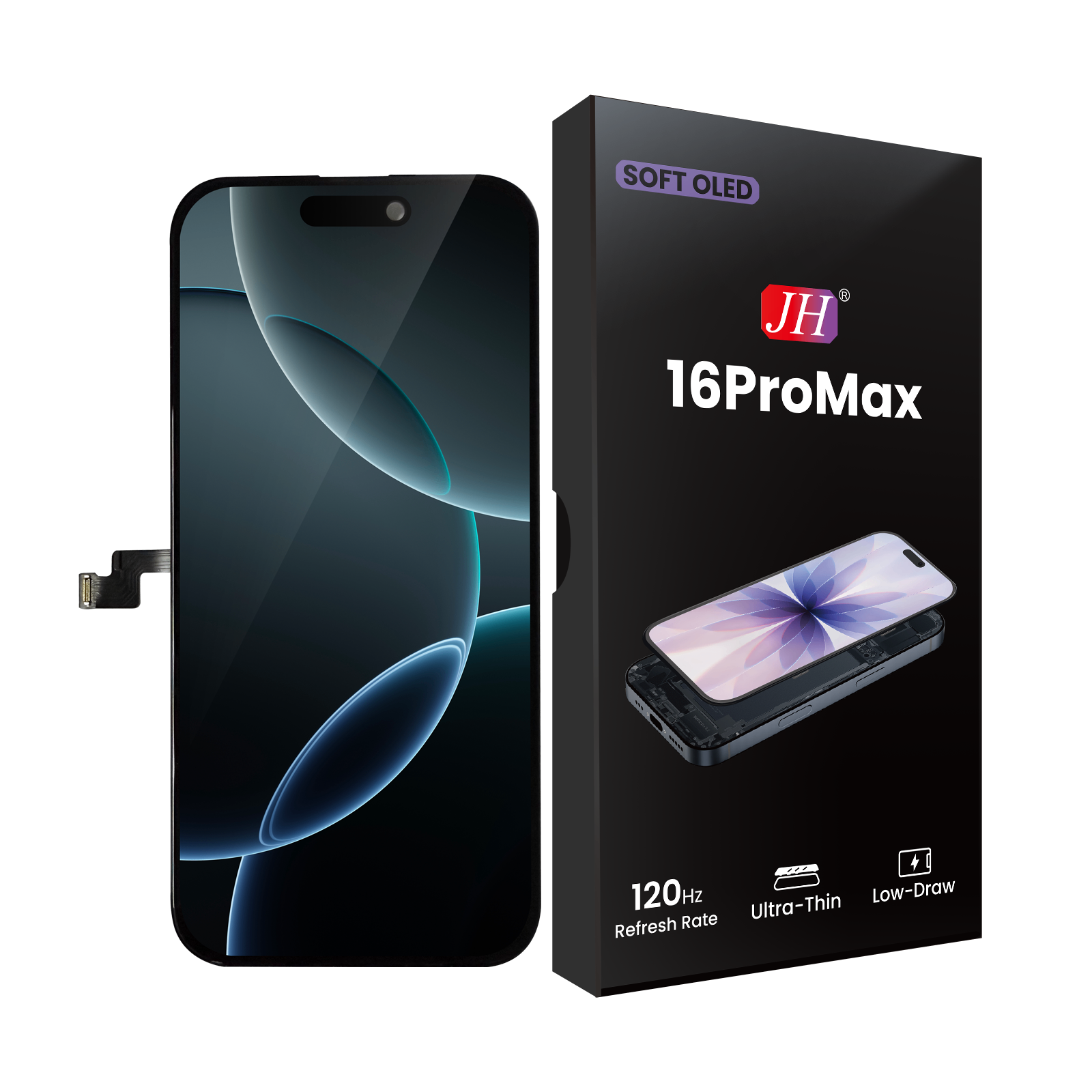
Lower repair costs: LCD panels are much cheaper to manufacture than OLED. Apple's official out‑of‑warranty repair prices show the gap clearly: an iPhone 11 (LCD) screen replacement costs about 1499 RMB, while an iPhone 14 Pro (OLED) screen replacement costs nearly 2699 RMB. For third‑party repair shops, a high‑quality LCD assembly is also significantly cheaper than a comparable OLED. If you tend to drop your phone often, an LCD will hurt your wallet less when it's time for a replacement.
Longer lifespan — no burn‑in worries: LCDs don't suffer from burn‑in at all. The only age‑related change is that the backlight lamp slowly dims over time — but that typically takes tens of thousands of hours to become noticeable. An LCD iPhone that isn't physically broken can still have a perfectly good screen after five or six years of normal use. With OLED, pixel aging differences may become more visible over very long periods — though the technology has improved dramatically, some physical limitations remain.
6. Summary: Which One Should You Choose?
If you want the best picture quality: If you love HDR video, dark wallpapers, or maximum battery life, OLED is the way to go. And since all new iPhones from the 12 series onward use OLED, you probably don't have much of a choice anyway.
If you are sensitive to screen flicker: If using an OLED phone for half an hour leaves your eyes dry or gives you a headache, try an LCD iPhone like the iPhone 11 or iPhone SE 3. Just keep in mind that these models will be one or two generations behind the latest in performance, camera, and battery life.
If you run a repair shop or like to replace screens yourself: LCDs are cheaper and easier to work with. However, as Apple moves entirely to OLED, LCD iPhones will become increasingly rare.
Coming back to the original question: Understanding the difference between LCD and OLED not only helps you avoid being cheated when buying a used iPhone (some sellers might pass off cheap LCDs as original OLEDs), but also lets you get the most out of features like Dark Mode. Your screen is what you stare at for hours every day — spending a few minutes to understand how it works is absolutely worth it.
Finally, no matter what kind of screen your iPhone has right now, remember this: those ordinary assembly line workers who repeat the same tedious tasks every day are holding the line on quality for every single screen. It is their refusal to cut corners that gives us the clarity and beauty we see before us.